
How the Epson SureColor V4000 Automatic Laser Height Sensor Changes UV Flatbed Printing
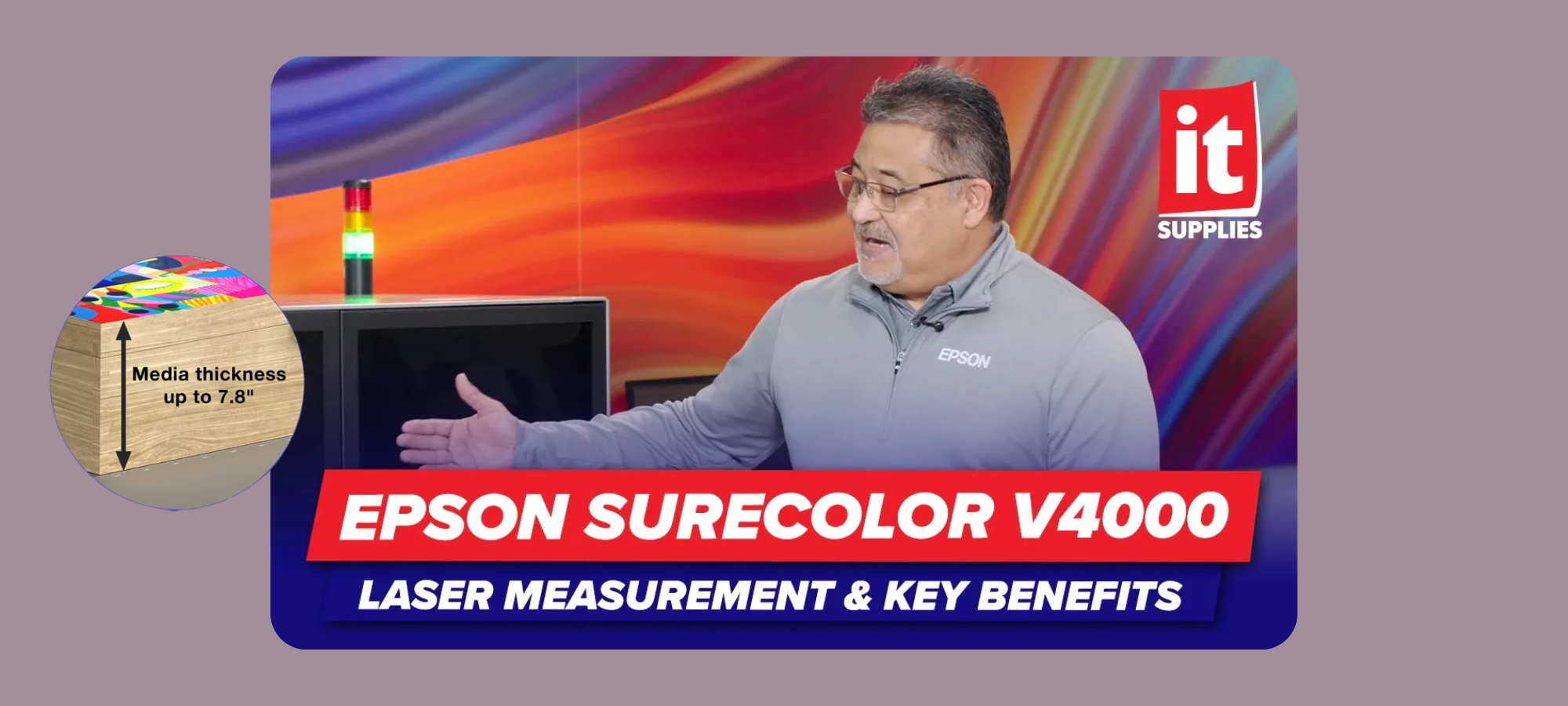
We recently visited Epson’s US Headquarters in California for a hands-on look at the brand new SureColor V4000 UV flatbed printer. While the machine has a lot going for it, one feature kept coming up as a true game-changer for daily production: the automatic laser height measurement system. We sat down with Mas Crawford, Senior Product Specialist at Epson, to get a full breakdown of how it works and why it matters.
Why Print Head Height Is Everything in UV Flatbed Printing
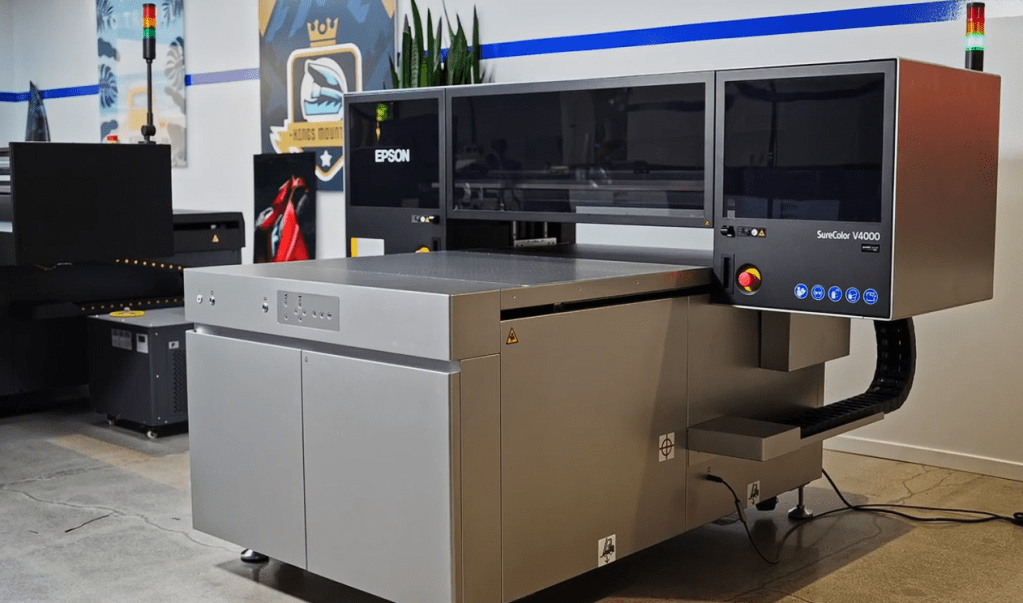
If you have spent any time around UV flatbed printers, you already know that the distance between the print head and your substrate is one of the most critical variables in the entire process.
Too far away, and your ink droplets scatter before they land. The result is a loss of sharpness and fine detail. Too close, and you risk a head strike, which can damage the print head and cause serious, costly downtime. Getting that distance dialed in correctly is not optional. It is everything.
On most UV flatbed printers, this is a fully manual process. You measure the height of your object with a caliper, enter that value into the software, reposition the gantry, and hope your measurement was accurate. When you are running a jig full of objects that are not perfectly uniform in height, that process gets complicated fast. And it introduces human error at every step.
How the V4000 Laser Measurement System Works
The SureColor V4000 solves this problem with a touchless automatic laser height sensor that’s built directly into the gantry. The touchless laser sensor enables automatic media height measurement and printhead obstruction safety, supporting substrates up to 7.8″ high.
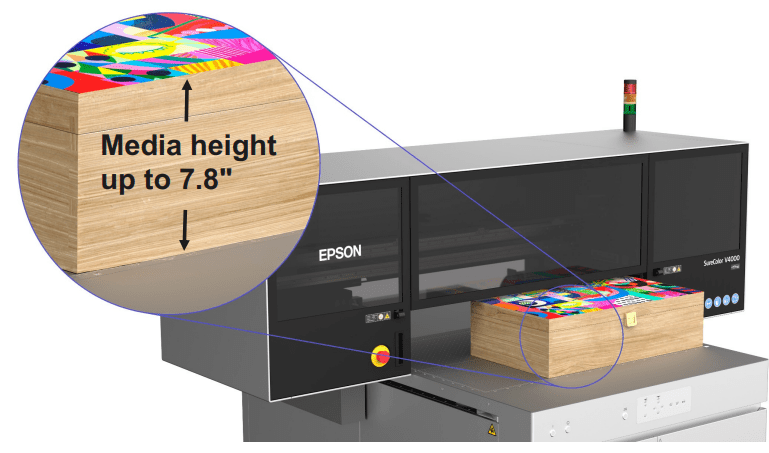
The moment you click print, the laser activates before the head makes a single move. According to Mas, the gantry starts at the back of the bed and travels across, scanning whatever objects are on the surface. When the scan is complete, a screen pops up displaying the measured height. The operator can review it, confirm it looks right, and hit go.
For a full bed scan, the entire process takes under a minute.
If you are only using part of the bed, there is an even more efficient option. You can define a starting Y-point so the gantry comes directly to that position and begins measuring from there, rather than scanning the entire surface unnecessarily.
What Happens With Mixed-Height Objects on a Jig?
This is a question that comes up often in real production environments. If you have a jig loaded with objects that vary slightly in height, how does the system handle it?
The V4000 scans the entire jig and sets one measurement for the whole bed based on the tallest object detected. This ensures the print head maintains safe clearance across every item, which is the right call when consistency and head protection are the priority.
Manual Override: You Still Have Full Control
Even with all this automation, Epson did not remove the operator’s ability to input height manually. The system offers two modes.
In automatic mode, you simply press the button and the laser does all the work. In manual mode, you enter the height value yourself. This is useful for situations where an operator already knows the exact measurement, say 10mm for a product they run regularly, and wants to skip the scan entirely and get straight to printing.
It Saves Your Last Measurement Too
Here is a feature that will matter a lot to shops running repeat jobs. If you load the same product for a second run, you do not have to go through the measurement process again. The system saves your last preset, so you can pick up right where you left off without any additional setup time.
Why This Matters for Your Shop
For any operation running a variety of substrates and objects through a UV printer on a daily basis, the time savings from this laser system add up quickly. Fewer manual steps mean fewer chances for setup errors and fewer costly interruptions to your production flow.
It also levels the playing field for newer operators. Dialing in head heights manually is a skill that takes time and experience to develop. With the V4000’s laser system, someone newer to UV printing can get accurate, safe results from day one without relying on guesswork or years of hands-on experience.
Availability and Next Steps
The Epson SureColor V4000 is expected to be available in Fall 2026. If you want to reserve a unit, join our Pre-Order list today.
Watch the full video on our YouTube channel to learn more, and subscribe for our complete V4000 video series as we continue covering everything this machine can do!
IT Supplies is your one-stop shop for everything you need to achieve the perfect print. We partner with top manufacturers to bring you the best in printing technology, including Eco-Solvent, Latex, UV, and Aqueous printers from EPSON, HP, and Canon. Our lineup also features a wide selection of Dye-Sublimation, DTF, and DTG printers from EPSON and HP. Explore our full range at www.itsupplies.com or by giving us a call at 1-800-771-9665!

