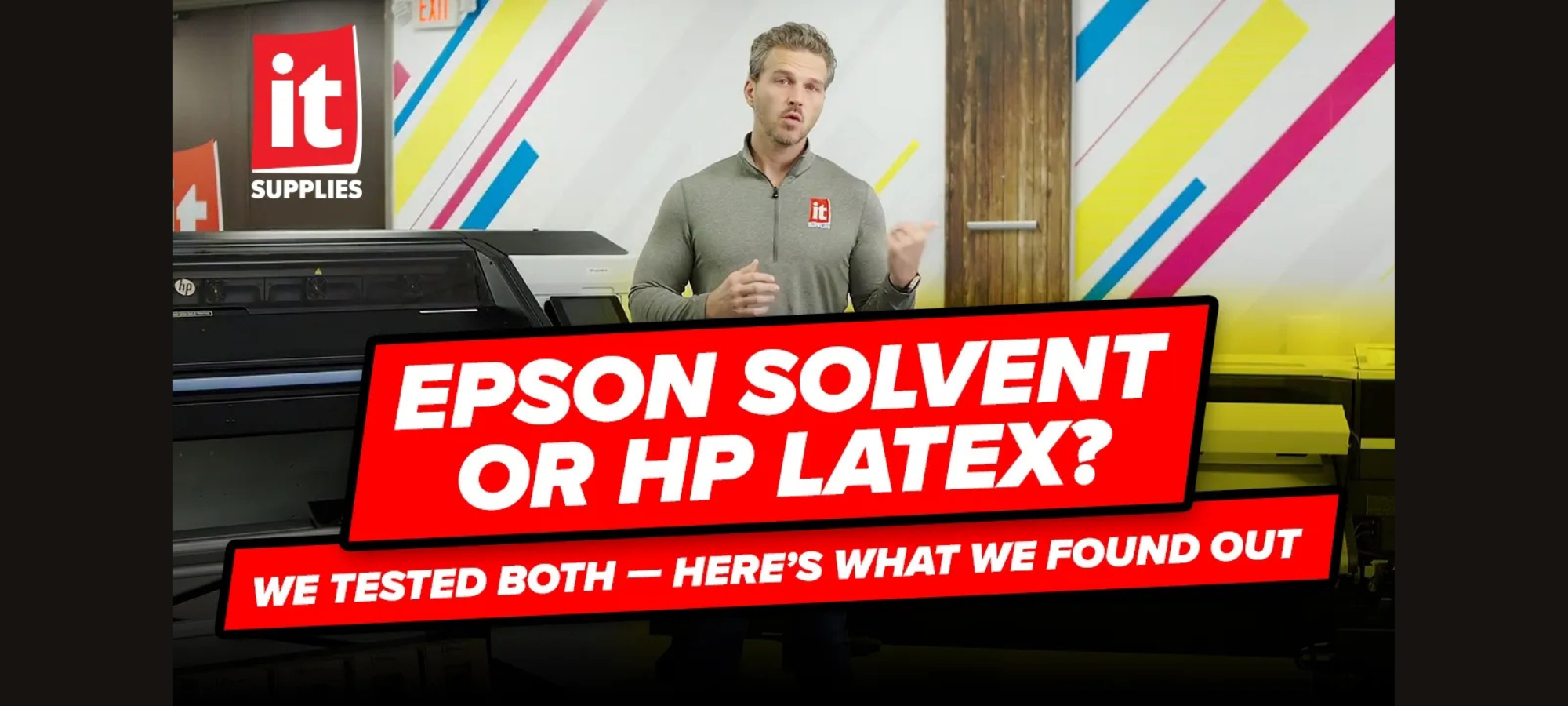

Epson Solvent or HP Latex? We tested both to break down ink chemistry, curing, lamination timing, media versatility, and real-world production differences so you can choose the right wide-format printer.
When a customer walks into our demo center looking to print vinyl, banners, canvas, or wallpaper, one question always comes up.
Should I choose solvent or latex printing?
Print shop owners, sign makers, franchise operators, and even beginners researching their first wide-format printer usually come in with a bias. Some lean toward Epson solvent printers because they’ve been industry workhorses for decades. Others are drawn to HP Latex for its instant lamination and odor-free prints.
So we decided to strip away the noise and test both.
Before comparing specific models like the Epson SureColor S7170 and S8170, and the HP Latex 630 and 830, we needed to start at the foundation. Speeds and feeds are important, sure, but ink chemistry is what really drives performance.
Let’s break down what’s really happening inside these machines.
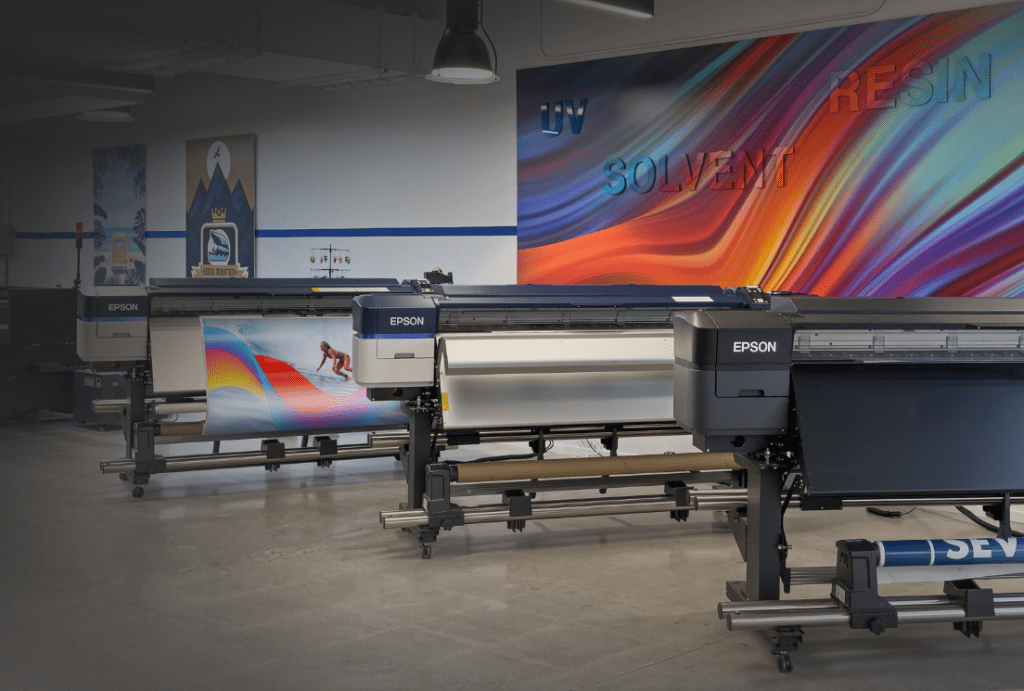
Understanding Epson Solvent Ink Technology
Solvent ink has been a staple in wide-format printing for decades. Brands like Roland, Mimaki, Mutoh, and Epson have built entire product lines around it.
The Epson S Series uses a solvent carrier fluid that transports pigment through the print head and onto the media. Once printed, gentle heat under 135 degrees helps dry the surface. Fans assist the process, pushing room temperature air across the media.
Within minutes, the print feels dry to the touch.
But here’s the catch. It’s not fully cured.
The chemical bonding process between solvent ink and coated media continues for several hours. During that time, gaseous byproducts are released through a process known as outgassing.
Why Outgassing Matters
If you laminate a solvent print too soon, you risk trapping those gases under the laminate. That can lead to:
- A cloudy appearance
- Adhesion failure
- Gas escaping through the liner and damaging a vehicle’s surface
Epson states that SureColor S Series prints are ready for lamination in about 4 to 6 hours. That’s significantly better than older solvent technologies that required up to 24 hours. Still, it means production planning matters.
For high-volume shops producing vehicle graphics daily, that waiting period must be built into the workflow.
How HP Latex Ink Works Differently
HP Latex printers take a completely different approach.
Instead of using a solvent carrier and chemical bonding, HP uses a water-based ink system. The ink contains water, pigment, and a latex resin polymer.
To cure the print, HP applies high heat, up to about 240 degrees. That heat evaporates the water carrier and melts the resin into a thin film that sits over the surface of the media.
The result?
The print is instantly dry. No chemical reaction. No outgassing. No waiting period. You can laminate immediately.
For shops producing stickers, decals, and vehicle wraps, gaining back four or more hours per job can be a serious competitive advantage.
Odor, VOCs, and Shop Environment
Let’s talk about something operators rarely ignore: smell.
Even though Epson S Series printers use milder solvent chemistry compared to older generations, there’s still a noticeable odor. In small rooms or shops running multiple units, it can build up.
While special ventilation is not required, some environments may find it uncomfortable.
HP Latex inks, on the other hand, are odorless and contain no harmful VOCs. They carry certifications such as UL Ecologo, Greenguard, and REACH compliance.
For franchise operators inside retail spaces, schools, hospitals, or corporate buildings, that can be a major factor. Customers receiving wallpaper or interior graphics also appreciate odor-free prints.
If workplace air quality matters to your business, latex printing deserves serious consideration.
Power Requirements and Installation
Here’s where things flip a bit.
Epson solvent printers typically run on standard 110v power. Setup is straightforward for most shops.
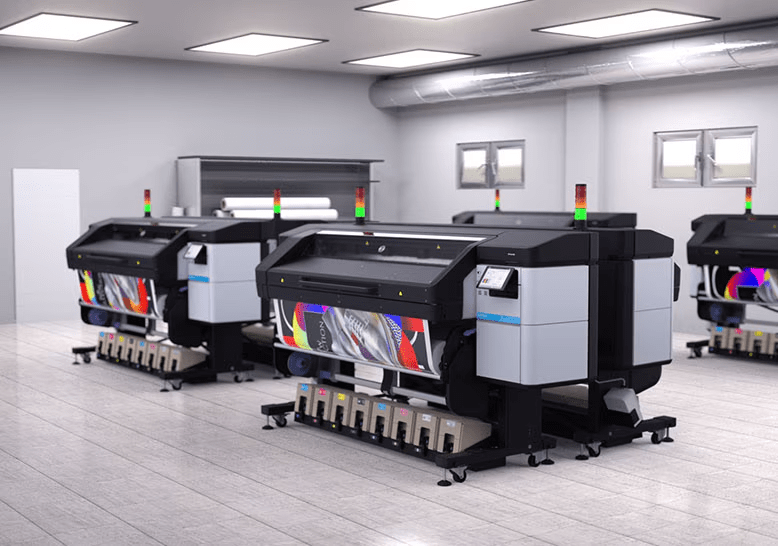
HP Latex printers require significantly more heat for curing. That means they typically need two 220v outlets. For many businesses, this requires bringing in an electrician to install proper power.
It’s not a deal breaker. But it’s something to budget and plan for if you’re upgrading your equipment.
Media Compatibility and Versatility
This is where things get interesting.
Solvent ink relies on coated media to chemically react and bond properly. Printing on uncoated or aqueous-coated media can result in poor adhesion and washed-out color.
HP Latex ink, because it forms a melted resin film over the surface, can print on a wider variety of materials.
That includes:
- Uncoated papers
- Certain fabrics
- Aqueous-coated materials
- Some UV-compatible substrates
For print shop owners expanding into soft signage, wallcoverings, or specialty applications, that flexibility opens new revenue streams.
If versatility matters, latex printing often has the edge.
Scratch Resistance and Durability
Both Epson solvent and HP Latex printers produce durable outdoor graphics.
However, scratch resistance can vary.
Solvent durability depends heavily on the quality of the media coating. If the coating is strong, the bond is excellent. If not, durability may suffer.
Latex forms a resin film over the top of the media, which can provide enhanced scratch resistance on many substrates.
In our testing, latex often matched or exceeded solvent in scratch resistance, especially on lower-cost materials.
Ink Consumption and Cost Considerations
Here’s a factor many buyers overlook.
Because HP Latex uses water as a carrier that must be evaporated during curing, more total ink volume is used per print compared to solvent.
In our testing, depending on substrate and profile, solvent ink usage was sometimes up to 30 percent lower than latex.
That doesn’t automatically make solvent cheaper overall. But it does impact long-term consumable costs.
When comparing Epson Solvent vs HP Latex, you must evaluate:
- Ink cost per milliliter
- Average ink consumption per job
- Lamination timing needs
- Power requirements
- Media flexibility
Total cost of ownership goes beyond just cartridge price.
So Which Is Better?
Here’s the honest answer.
Neither.
Epson solvent printers offer lower ink consumption and lower curing temperatures. They are proven, efficient, and widely adopted in outdoor signage.
HP Latex printers deliver instant lamination, zero harmful VOCs, odor-free operation, and broader media compatibility.
The right choice depends on your workflow.
If you laminate constantly and need immediate turnaround, HP Latex can dramatically streamline production.
If ink efficiency and lower power requirements matter most, Epson solvent printers may be the smarter investment.
It comes down to your applications, your environment, and your business goals.
Watch Our Video
We cover all of this in detail in our full video comparison, so if you’re interested in seeing the full breakdown and hearing our real-world discussion, you can watch it by clicking here.
If you’re researching specific models or ready to compare equipment, explore the full printer lineups:
Epson Solvent Printers:
https://www.itsupplies.com/solvent-printers
HP Latex Printers:
https://www.itsupplies.com/latex-printers
Still unsure which direction makes sense for your shop?
Whether you’re a seasoned print shop owner, a growing sign maker, a franchise operator, or just entering the wide format world, the best way to decide is to see the technology in action.
Reach out, schedule a demo, or connect with us to talk through your applications. The right printer isn’t about hype. It’s about what works for your business.
And now that you understand the ink chemistry behind Epson Solvent vs HP Latex, you’re already ahead of the game!
IT Supplies is your one-stop shop for everything you need to achieve the perfect print. We partner with top manufacturers to bring you the best in printing technology, including Eco-Solvent, Latex, UV, and Aqueous printers from EPSON, HP, and Canon. Our lineup also features a wide selection of Dye-Sublimation, DTF, and DTG printers from EPSON and HP. Explore our full range at www.itsupplies.com or by giving us a call at 1-800-771-9665!
 IT Supplies Blog