
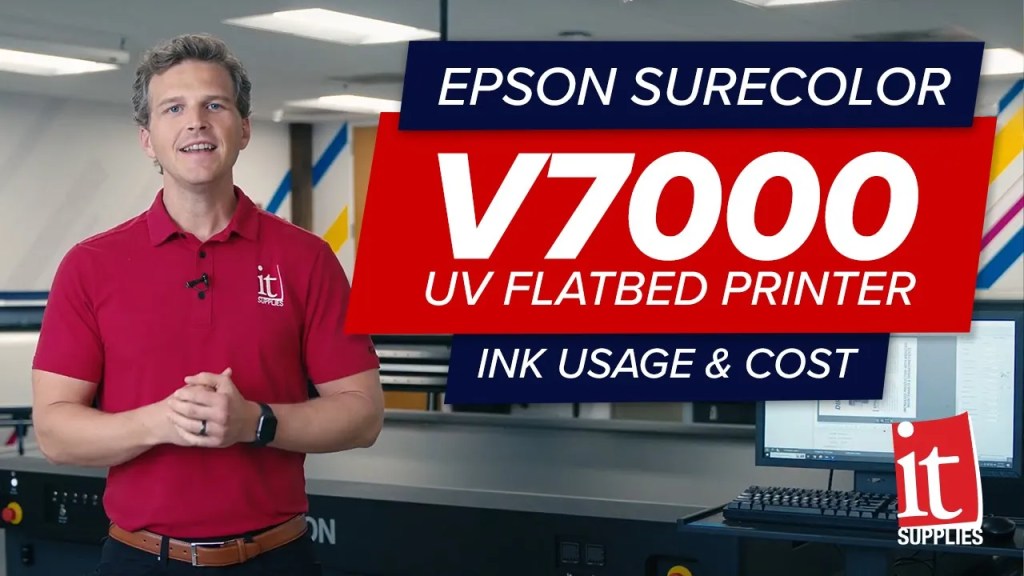
It’s been nearly 2 and a half years since Epson launched their SureColor V7000 flatbed printer. This printer remains one of our favorite printers for under $100,000. It’s the perfect blend of photographic print quality, amazing substrate versatility, and enough production throughput to satisfy most businesses. We have yet to find a visitor to our showroom that sees a print from the V7000 and questions the print quality- but almost everyone asks us for the ink cost. In today’s video, we are going to print 3 files on 3 popular substrates and we’re going to break down the specific ink costs.
Today we are using our Epson SureColor V7000 to print on foam board, aluminum di-bond, and acrylic. These are 3 of the most common substrates our customers ask about and want to see printed. The vivid 9-color ink set of the V7000 especially shines on premium substrates like metal and acrylic. We’ve said it before but we would put the print quality of the Epson V7000 up against flatbeds that are 5x as expensive.
All of our prints are going to be 16” x 24”, or 2.66 sq feet. We’re going to print all of these in Quality Bi-Directional mode, which is the sweet spot mode that provides productivity and print quality. It took 4 minutes and 25 seconds to print each of these files. Remember that the staggered head design for the white ink channel means that you don’t sacrifice any print speed when switching between color-only prints or color-and-white prints. We are using Epson Cloud Solution Port to give us actual ink usage per job for these prints. If you have a V7000 and need help getting this set up please reach out to us and we can help you get this reporting set up.
The first print in our video is on a white foam board (1:53 mark in video). We picked a 100% ink coverage, dark, heavy-density file. This is possibly the most ink you could lay down on a substrate. We figured we would show you the very worst-case scenario for ink usage and then you can have a very conservative estimate to use in your own planning. Note that this print DOES NOT use white ink, so you can consider this ink usage to estimate your own applications that DO NOT use white ink. So how much ink did we use? This image used 6.15 ml of ink to print at 16” x 24”. That comes to 2.31 ml per square foot. The inks for the Epson V7000 come in 1L bottles for $150 each. That means that at a price of $.15 per ml this full print costs $.92 in ink. On a per square-foot basis that comes to $.35 in ink costs when printing a 100% coverage, heavy-density file that DOES NOT use white ink.
Our next prints are on aluminum di-bond (2:56 mark in video). For this test, we printed these two different ways. Our first print uses only the colored inks and NO white ink so that we can let that beautiful brushed aluminum shine through the ink. You can see that the produces a very metallic effect in the unprinted and printed areas. Printing the file with just the colored inks uses 5.95 ml of ink to print this 16”x24” image. That comes to $.89 in ink total or $.33 in ink per square foot.
On the flip side, we’ve printed the same file but using colored ink AND white ink as an underlayer in all of the areas of the file that have an image. That means that underneath all of the colored ink areas, there is a layer of white ink printed below. This helps to block out the metallic shine from the ink areas and provides more contrast to the unprinted areas where the raw aluminum shines through. You’ll also see that in the clouds and paint splatters the white ink is also being used without any color ink over the top. So how much ink does a file like this use? In this case, the colored ink usage is exactly the same as our first print because we haven’t changed the colored ink being used. So again it is 5.95 ml of colored inks. But now we’ve introduced white ink and we used 5.29 ml of white ink on this print as an underflood. So all together we used 11.24 ml of ink for a total ink cost of $1.69 for the 16×24 image or $.63 per square foot. If you are using white ink in portions of your file then this is an ink usage estimate you can reference.
Our final ink usage test is on acrylic (4:34 mark in video). For this test, we’ve printed with a full white underflood. That means that the entirety of the image has white ink laid below it. This is the most common white ink method for acrylic prints, as otherwise, you would see through the transparency and through to the surface where this print is mounted. We picked this file because it shows the vivid red ink that is in the Epson SureColor V7000. For this file, we used 7.6 ml of colored ink and 6.94 ml of white ink for a total of 14.54 ml of ink. This 16×24 print cost used $2.18 in ink total or $.82 per square foot. This is a good baseline estimate for acrylic or transparent second surface prints that use heavy ink coverage and a full white ink underflood.
So there you have it. These are a few of the common substrate and image scenarios that we see with the Epson V7000 and the amount of ink that each one used. If you’d like us to provide ink usage reporting with your specific files on your specific substrates then please reach out to us at itsupplies.com and we’d love to help you validate and plan for your new product offering.

Shop EPSON V7000 UV Flatbed Printer: https://www.itsupplies.com/EPSON-SureColor-V7000-UV-Flatbed-Printer-p-SCV7000PE
Still have questions regarding the EPSON SureColor V7000? Call 1-800-771-9665 and ask to talk to one of our commercial sales specialists or visit our website https://www.itsupplies.com. IT Supplies is your single source solution for everything relating to the perfect print. We represent some of the top manufacturers in the industry. Our full lineup includes Eco Solvent, Latex, Flat Bed, and Aqueous printers by EPSON, HP, and Canon. We also carry a large selection of Dye-Sublimation and DTG Printers by both EPSON and HP. Visit us at www.itsupplies.com
 IT Supplies Blog